Order and control
Automation
Eleven events, conditions on fields, eleven actions. A rule that changed a task is visible to the user in the run log.
Available in:“Team” plan
What it covers
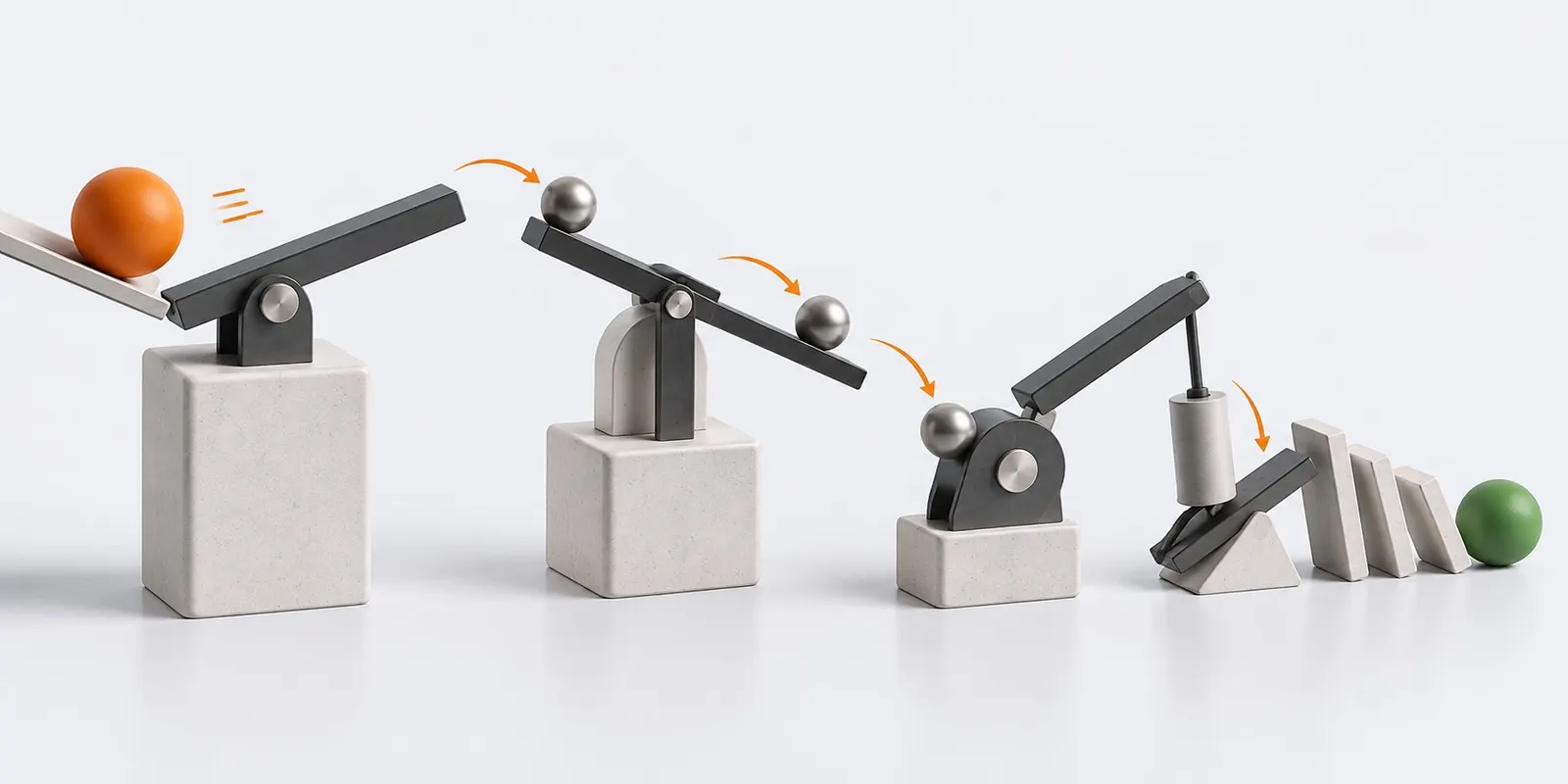
- Events: status change, approaching and reached due date, overdue, mention, budget threshold, milestone closed
- Actions: set a field, assign, create a task from a template, notify, escalate, move to a flow, call a webhook
- Ready-made scenarios turn on with one click and run on the same engine as builder rules
- IMAP mailbox intake: redelivery of the same message never creates a second task
- Form and webhook triggers with idempotency by external key over a seven day window
- Task intake channels: email, web forms, webhooks and messengers, with a log and a rate limit
Frequently asked questions
Do I need to write code?
No. A rule is built from lists: an event, conditions on fields and an action. Ready-made scenarios turn on with one click and run on the same engine.
How do I find out why a task changed?
Every rule run is written to the log: which rule fired, on which task and what it did.
Where it helps
Other features
Put a number on your first project
Tasks, projects, boards, dates and time tracking are available on the free tier. Rates, cost and profitability switch on when you need figures rather than discipline alone.