Work and deadlines
Tasks and views
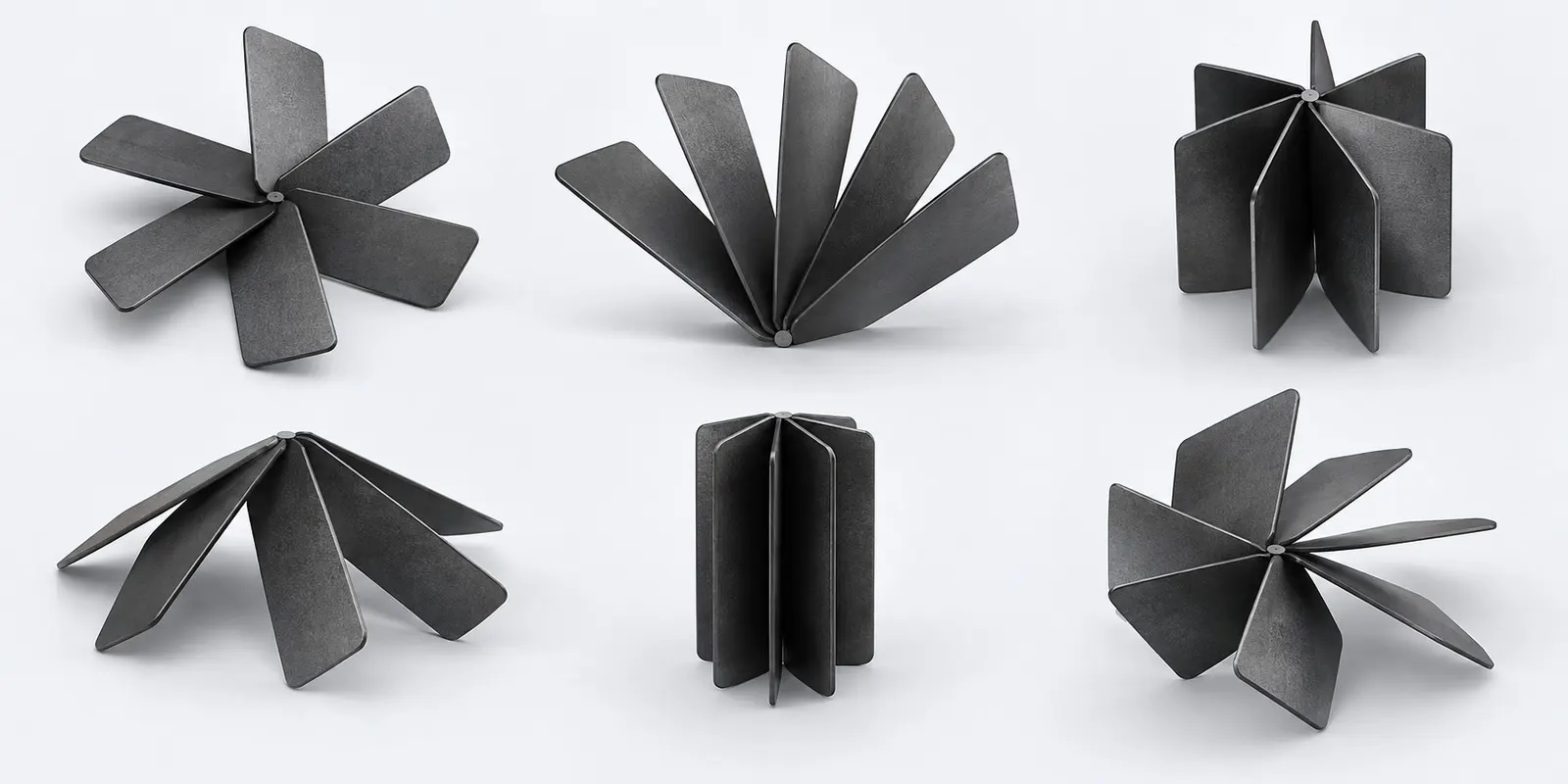
One task, six ways to look at it. A view keeps its filters, its column set is configurable, and shared project views are visible to the whole team.
Available in:Free tier “Start”
What it covers
- Subtasks with a depth limit, checklists and an owner per checklist item
- Co-assignees work as equals, watchers get notifications without carrying responsibility
- A dedicated result field separate from the discussion: the outcome reaches reports instead of sinking into comments
- Acceptance: the requester closes the task, and sending it back requires a comment
- Nine custom field types: text, number, date, list, multi-select, entity reference, file, checkbox, person
- One-click views: overdue, assigned by me, unassigned, no due date
- A recycle bin: a task comes back with its subtasks, comments and time entries, and the administrator sets how long it is kept
Frequently asked questions
Can I save filters and share them with the team?
Yes. A view with its filters and columns is saved as personal, shared with the project or shared with the whole organization. Searches are saved the same way.
What happens to a deleted task?
It goes to the recycle bin and comes back with its subtasks, comments and time entries. The organization administrator sets how long the bin keeps it.
Where it helps
Other features
Put a number on your first project
Tasks, projects, boards, dates and time tracking are available on the free tier. Rates, cost and profitability switch on when you need figures rather than discipline alone.